



Before using MarpaMail services with a domain registered through Mercantile, you need to update the domain’s nameservers and point them to MarpaMail’s hosting nameservers.
Open Mercantile
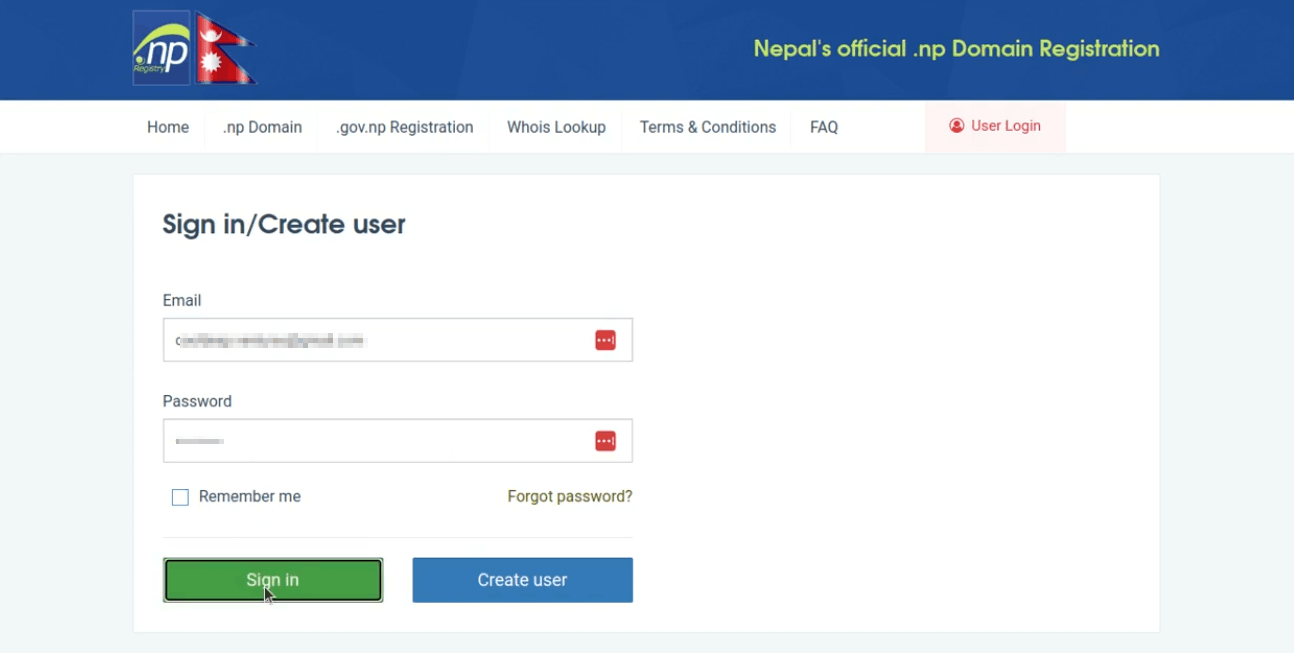
Open the Mercantile Registration website at register.com.np and select the login option.

Sign In to Your Account
Enter your Mercantile account email address and password, then select Sign In to access your account.
Open Active Domain
After signing in, go to your Profile section and open Active Domain. Find the domain you want to connect to MarpaMail.

Edit DNS
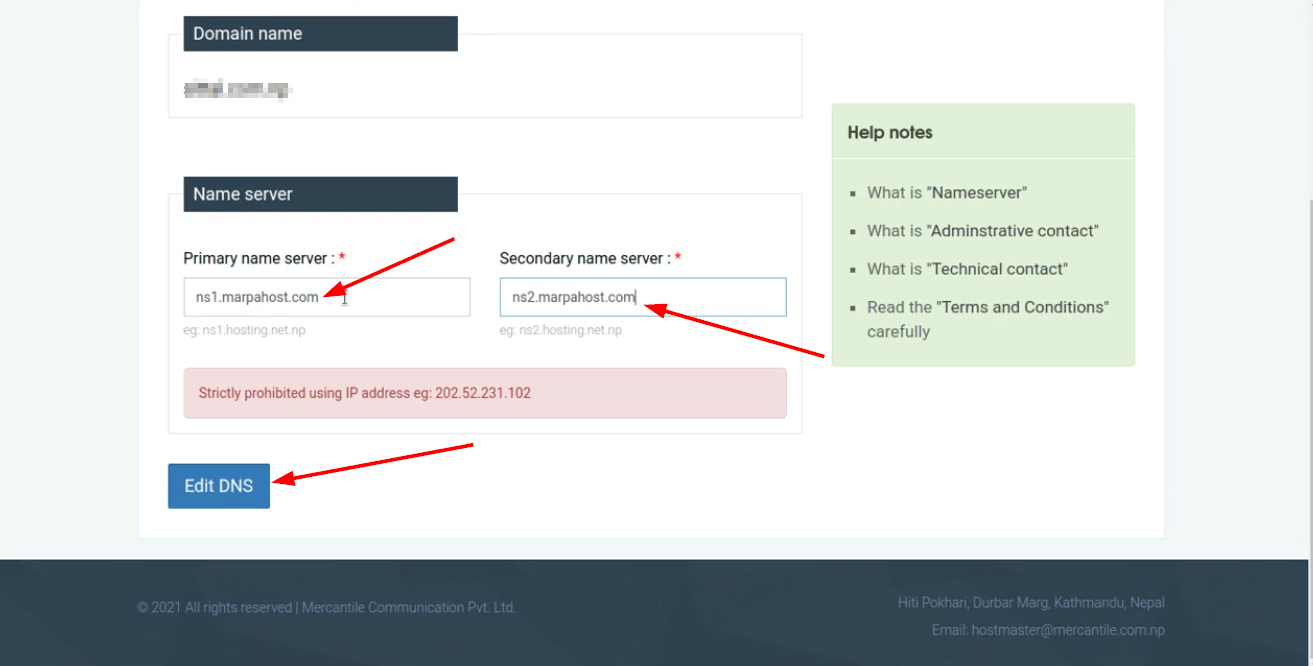
Select Edit DNS for the domain. Locate the Primary Name Server and Secondary Name Server fields.
Replace the existing nameservers with:
Primary Name Server: ns1.marpahost.com
Secondary Name Server: ns2.marpahost.com
Save the DNS Changes
After entering both MarpaHost nameservers, select Edit DNS or the available save/update option to apply the changes.
The nameserver update usually takes a few hours to take effect, although DNS propagation can sometimes take up to 24 hours. During this period, your domain may continue showing the previous DNS settings until the update has propagated.
DNS Update Complete
Once the DNS changes have propagated, your domain will point to MarpaHost, allowing the MarpaMail services associated with the domain to work correctly.